
Time4Bets Mobile Access in Canada: Install, Sign In and Stay Safe

Time4Bets gives Canadian users two confirmed ways to open the same betting and casino account from a phone. On iPhone and iPad, the installed client is distributed through TestFlight. On Android and other supported devices, the safer route is the responsive website in a current browser. Both lead to the same balance, betting history, game records, bonus status, cashier and verification area used on desktop.
That shared account is convenient, but it also means a compromised phone can expose more than a single session. The email address, password, two-factor code and device lock all matter. Installation source matters too. Time4Bets does not confirm a standalone Android package, so a file offered through a software catalogue, cloud folder or private message should be treated as unverified.
The platform has operated since 2016 under Amadeus Technology B.V. and holds offshore Anjouan licence No. ALSI-202603024-FI1. Time4Bets sets an 18+ minimum, while Canadian users must still check provincial or territorial rules. This guide explains the official mobile routes, what can be done from a phone, how connection quality affects live play and what to do when access or a transaction does not behave as expected.
Installing Time4Bets on iPhone the Official Way
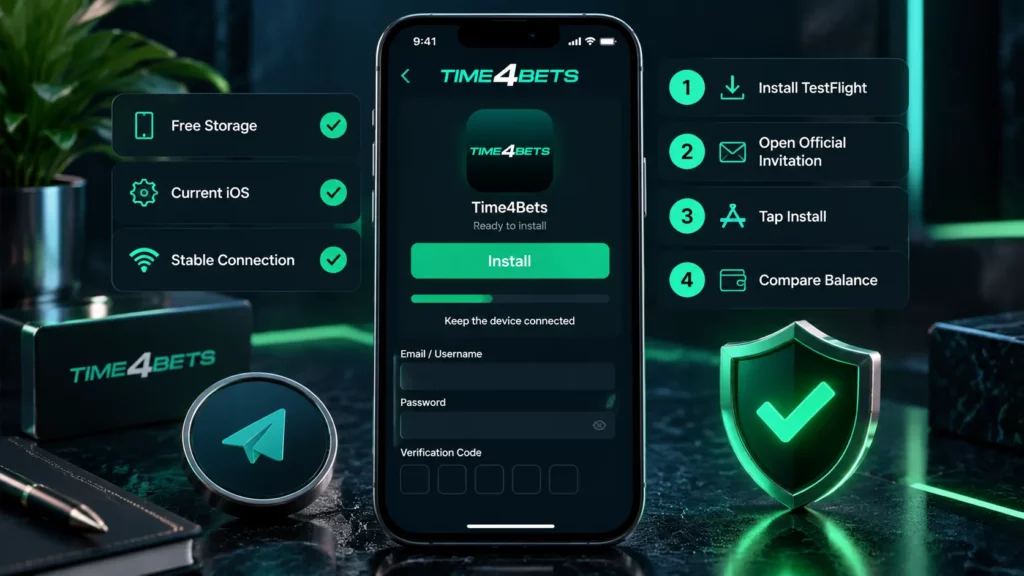
The iPhone route begins with TestFlight, an Apple application used to distribute test and pre-release builds. Install TestFlight directly from the App Store and confirm Apple as the publisher. Then return to the official Time4Bets mobile page, open the current invitation labelled Download Time4Bets and tap Install.
Before starting, check three basics: enough free storage for the client and game cache, a current iOS version and a stable internet connection. An old invitation may expire even when TestFlight works correctly. In that case, return to the official page for a fresh invitation rather than searching for a replacement link elsewhere.
At first launch, sign in with the registered email address or username and password. Enter the current code when optional two-factor authentication is enabled. Compare the balance, recent bets and transaction history with the desktop account before depositing or placing a wager. Updates arrive through the same TestFlight channel.A Time4Bets app download search can locate general instructions, but it does not verify the source. Direct files, configuration profiles or messages asking for Apple credentials are not part of the confirmed installation route.
Android Users and the Time4Bets Browser Route
Time4Bets does not confirm a separate Android installer. The expected route is the responsive website in Chrome or another current browser. Type the known address manually or open it from a trusted bookmark. Avoid links sent through unsolicited messages, even when the page copies the correct logo and colours.
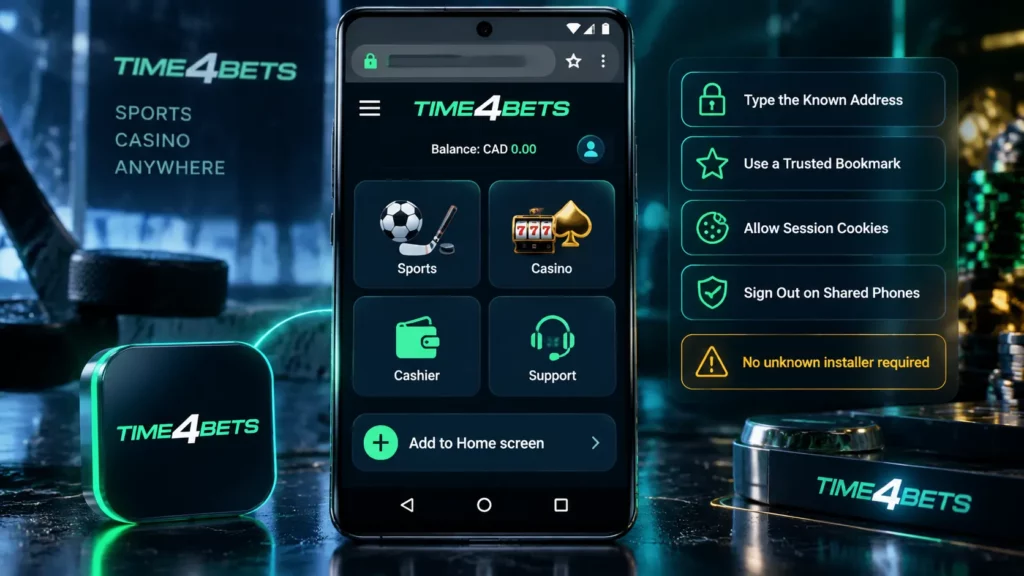
After signing in, the site can be pinned to the home screen where the browser offers Add to Home screen. The icon is a shortcut, not a native application. Updates load from the platform side, so no package needs to be replaced manually.
Several browser settings affect security and reliability. Allow the cookies required for the session, but do not save the password in a shared browser. Sign out after using another person’s phone and clear stored session data when necessary. Financial operations and document uploads are better handled over a trusted home or mobile network than an open public hotspot.
A Time4bet app download result that ends with an unknown Time4bets APK file should be ignored. The confirmed Android route does not require disabling Play Protect, permitting installation from unknown sources or accepting a device-management profile. These requests create risk for both the device and the account.
What Time4Bets Offers from a Phone
The mobile client and browser route cover the same main functions as desktop access. The difference is screen size and navigation rather than account capability.
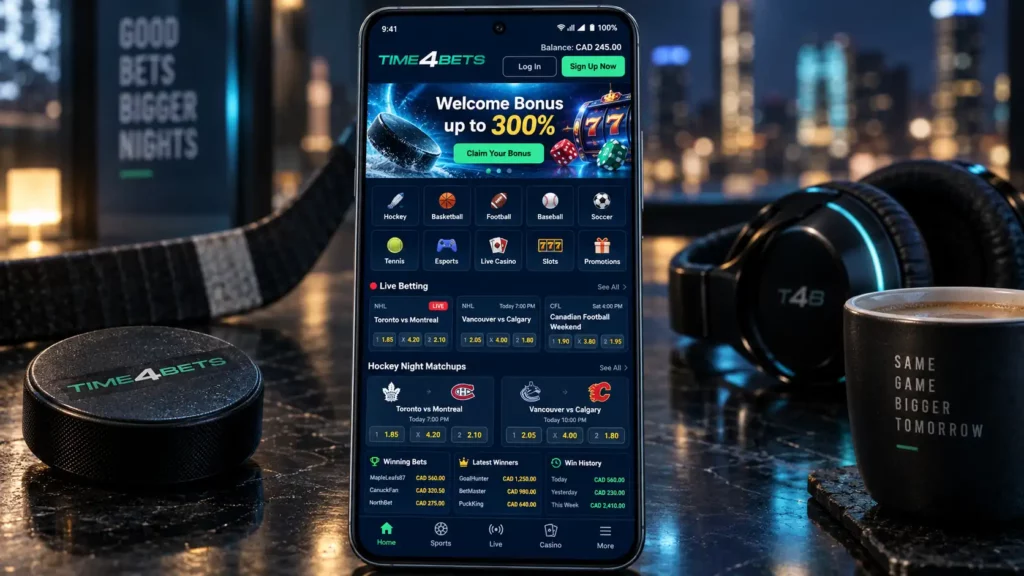
| Mobile function | What the user can do |
| Sportsbook | Browse pre-match and live events, build a coupon and review accepted bets |
| Casino | Open supported slots, use demo mode where available and join streamed live tables |
| Cashier | Deposit, submit available withdrawal requests and inspect transaction history |
| Bonuses | Select an eligible route, read live terms and monitor the displayed status |
| Verification | Photograph or upload requested identity and payment-ownership files |
| Account tools | Change supported settings, review profile details and enable optional 2FA |
| Support | Open 24/7 live chat and provide ticket, round or transaction references |






Amounts appear in the account currency. With CAD selected, Canadian thresholds are easier to read. Fiat deposits range from C$8 to C$42,600 per day, while crypto deposits range from C$2 to C$142,000. Withdrawals run from C$29 to C$14,200 by card, C$142 to C$142,000 per day by bank and C$29 to C$284,000 per crypto transaction. Apple Pay is deposit-only.
The Time4bets app and browser share history with desktop access. Switching devices does not cancel an accepted bet.
Connection, Battery and Data Consumption
Different products place different demands on a phone. A slot usually downloads graphics and sound at launch, then exchanges smaller game messages during play. A live dealer table carries a continuous video stream and can consume far more data. The live sportsbook refreshes prices and market status repeatedly, so a stable connection matters even when no video is open.
Use Wi-Fi for long streamed sessions when the mobile plan has a tight allowance. Lower video quality where the interface provides that option. Close background downloads and unused applications, especially on an older phone with limited memory. Watch battery level and device temperature during a long session because heat can reduce performance or cause the operating system to close the browser or client.
A practical connection checklist is:
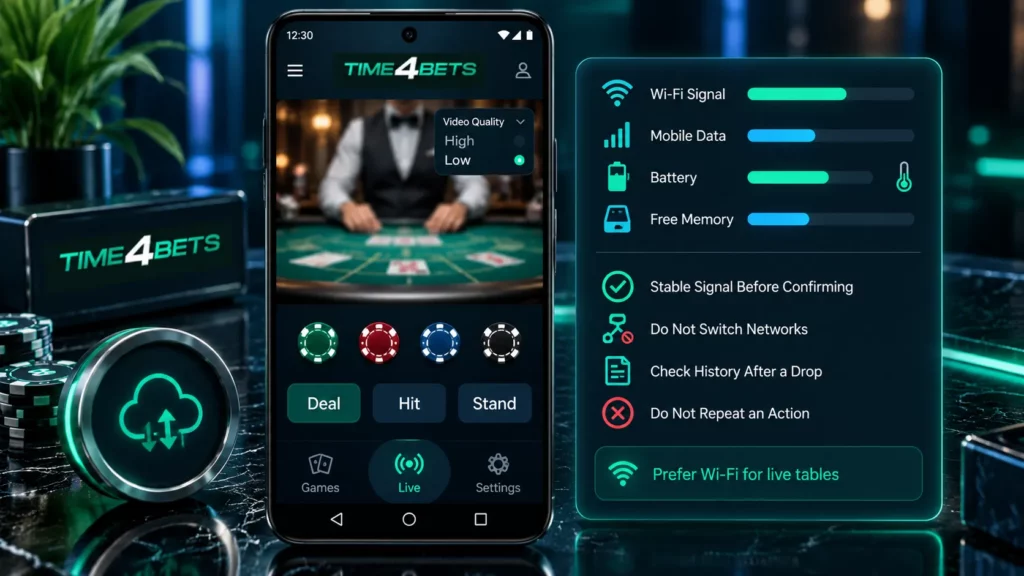
- Use stable Wi-Fi or a strong mobile signal before confirming a bet or payment.
- Avoid switching networks during a live wager, dealer round or cashier operation.
- Check betting, game or transaction history after an interruption.
- Do not repeat an action until the account record is clear.
Device performance affects animation, loading and video smoothness. It does not change a slot’s mathematics, the result recorded by a provider or the settlement of an accepted sportsbook ticket.
Keeping a Time4Bets Mobile Session Secure
Start with the phone itself. Use a screen lock, biometric access where appropriate and automatic locking after a short period of inactivity. Protect the linked email with a separate password because email access can be used for password recovery. Enable optional two-factor authentication in the account security settings.
Do not save credentials in a public or shared browser. Sign out after using another device and remove the home-screen shortcut if the phone is being sold or passed to another person. Public Wi-Fi should be treated cautiously. An open network may expose the session to interception or manipulation, so deposits, withdrawals, password changes and KYC uploads are better completed through a trusted connection.
Time4Bets support should not ask for the account password, a current two-factor code, a full card number or a wallet seed phrase. Messages in social networks or messengers that request those details should be ignored. The platform also does not need a user to install an unknown package to restore access.
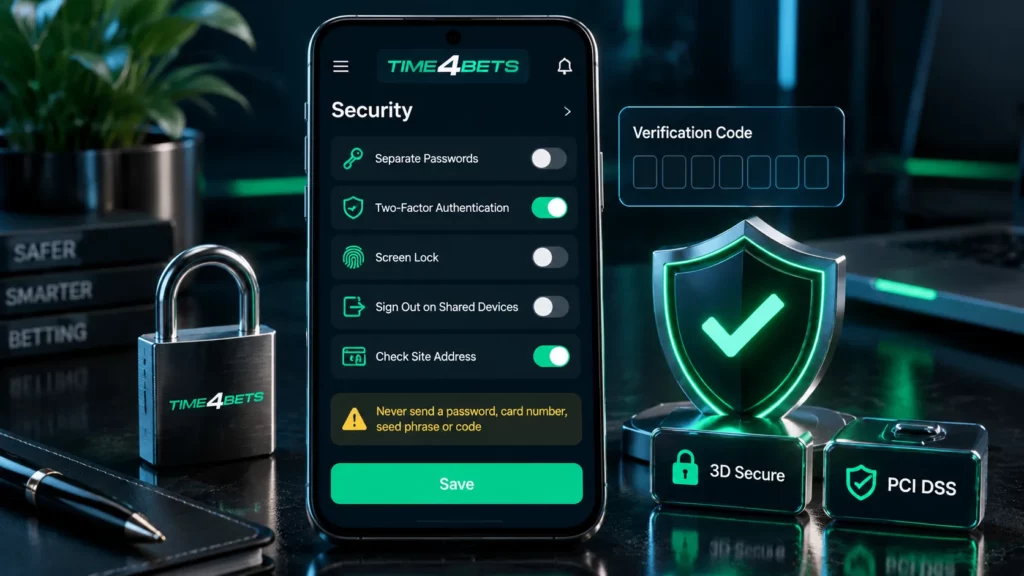
After suspected unauthorised activity, secure the email, change the Time4Bets password, enable two-factor authentication if it was off and review recent login and transaction records. Contact live chat with the approximate time and relevant reference. Do not open a second profile as a workaround.
When the Time4Bets Client or Site Misbehaves
Start with simple checks. Confirm the connection, reopen the client or refresh the page, then sign in again. Clear browser cache only after confirming that recovery credentials are available. Update the system and browser when crashes continue.
Common faults have different first actions:
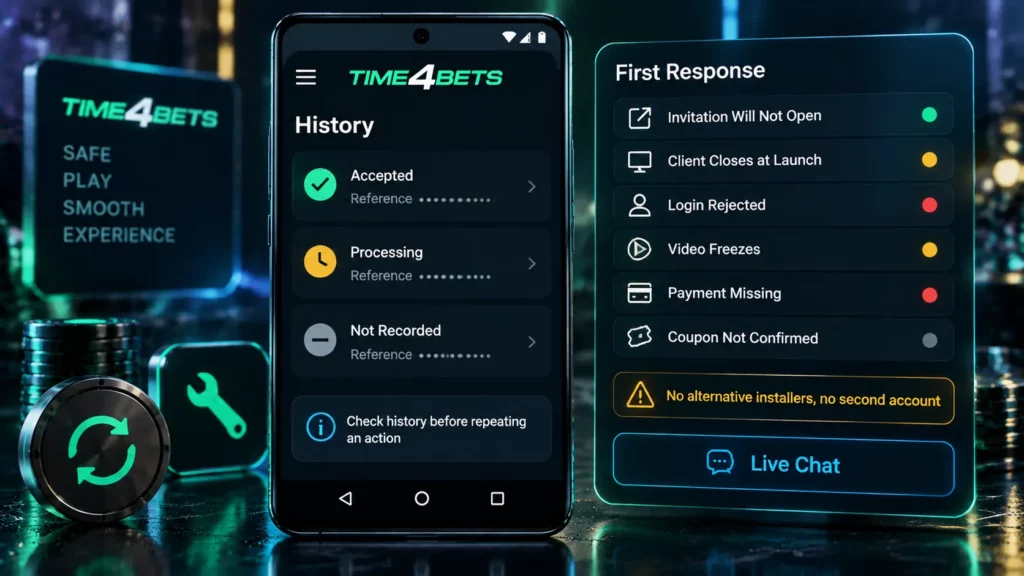
| Problem | First response |
| TestFlight invitation will not open | Return to the official mobile page for a current invitation |
| Client closes at launch | Restart the phone, check storage and update iOS or TestFlight |
| Login is rejected | Check credentials, use Forgot Password and verify the registered inbox |
| Live-table video freezes | Stabilise the network and check game history before wagering again |
| Payment is absent from history | Allow the current operation to finish, then contact support with the reference |
| Coupon does not confirm | Check betting history before pressing the confirmation button again |
Do not search for alternative installers, create another account or send a password in chat. For a missing payment, check history, allow processing and contact 24/7 live chat with the operation number and time.
Safe Phone Access: Common Queries
It is Apple’s official tool for test builds. Open the current invitation only from the official mobile page.
No confirmed standalone package is required. Use the responsive site and add a home-screen shortcut if useful.
Yes, with the correct address, an updated browser, a protected phone and a trusted network. Avoid copied links.
Avoid payments, KYC uploads and password changes. Use a trusted mobile or home connection instead.
Open security settings and follow the displayed steps. Keep current codes and recovery details private.
Yes, where displayed. Photograph files clearly and inspect history before repeating a payment.
No fixed figure applies. Continuous sports or dealer video uses much more data than ordinary account pages.
Core functions match desktop access. Screen size, touch navigation and the access route are the main differences.
Check the credentials, use Forgot Password and confirm inbox access. Do not create another profile.
Use 24/7 live chat with the device, time and relevant reference. Never include a password or current two-factor code.
Gambling involves financial risk. Set a fixed budget before depositing, avoid borrowed money and never chase losses. Stop when gambling no longer feels recreational, and check the rules that apply in your Canadian province or territory.